
Introduction to React.js
React.js, also known as React, is a popular JavaScript library used for building user interfaces and single-page applications. Developed by Facebook, React allows developers to create reusable UI components and manage the state of their applications in a efficient and scalable way. With its component-based architecture and virtual DOM, React has become a go-to choice for building complex and interactive web applications. In this article, we will explore the world of React.js, its features, benefits, and how to get started with it.
What is React.js and How Does it Work?
React.js is a view library, not a full-fledged framework, which means it only handles the view layer of an application. It uses a virtual DOM (a lightweight in-memory representation of the real DOM) to optimize rendering and reduce the number of DOM mutations. When the state of an application changes, React updates the virtual DOM, and then efficiently updates the real DOM by comparing the two and making the necessary changes. This approach makes React fast, efficient, and scalable. React also uses a concept called the "component tree" to manage the relationships between components, making it easy to build complex and nested UI components.
Components in React.js
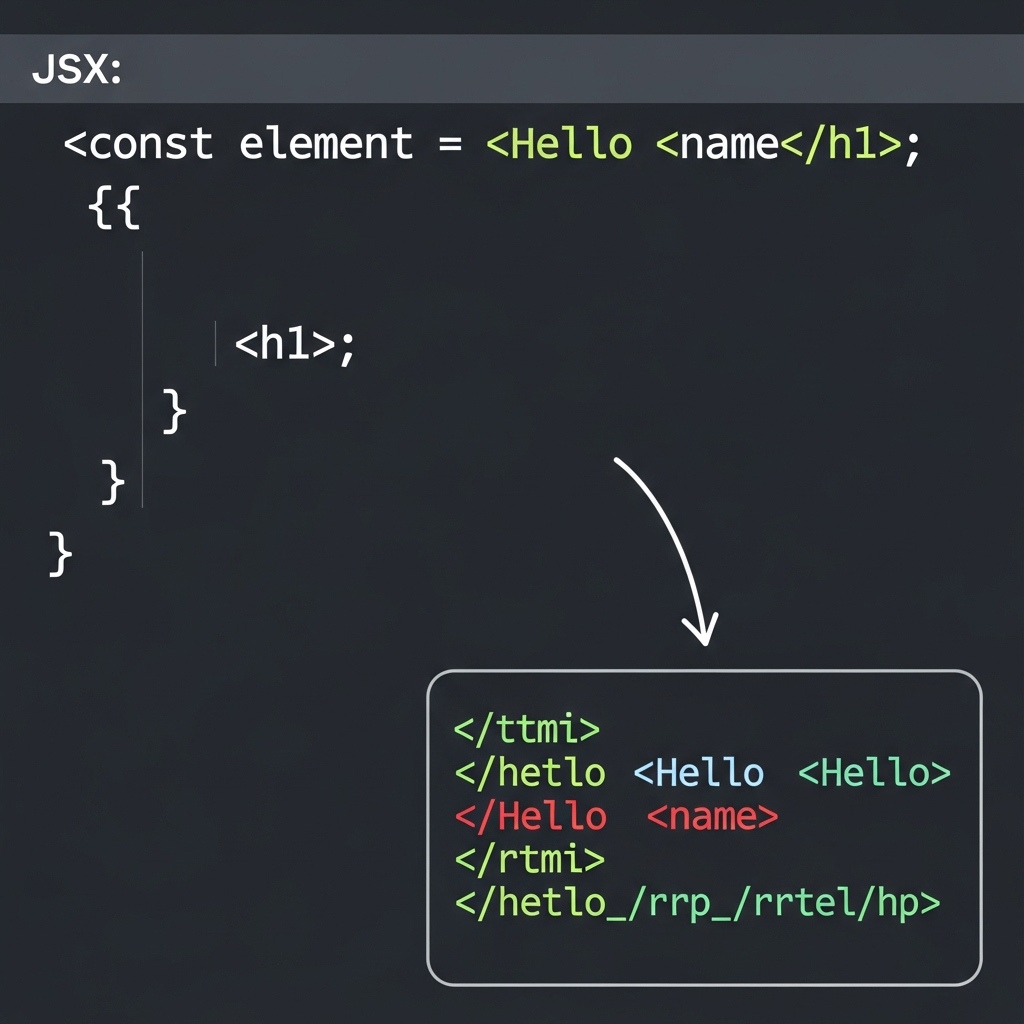
In React, a component is a small, reusable piece of code that represents a UI element, such as a button, input field, or dropdown menu. Components can contain other components, making it easy to build complex and nested UI structures. There are two types of components in React: functional components and class components. Functional components are pure functions that take in props and return JSX (a syntax extension for JavaScript that allows you to write HTML-like code in your JavaScript files), while class components are classes that extend the React.Component class and have their own state and lifecycle methods. Here is an example of a simple functional component:
function HelloWorld() {
  return <div>
    <h1>Hello World!</h1>
  </div>
}
State and Props in React.js
In React, state and props are used to store and manage data in an application. State is an object that stores the data that changes over time, such as a user's input or a timer. Props, short for properties, are read-only values that are passed from a parent component to a child component. State is used to store the data that is specific to a component, while props are used to pass data from a parent component to a child component. Here is an example of a component that uses state and props:
class Counter extends React.Component {
  constructor(props) {
    super(props);
    this.state = {
      count: 0
    };
  }

  render() {
    return <div>
      <p>Count: {this.state.count}</p>
      <button onClick={() => this.setState({ count: this.state.count + 1 })}>Increment</button>
    </div>
  }
}
React Hooks
React Hooks are a new way to use state and other React features in functional components. They were introduced in React 16.8 as a way to use state and other React features in functional components without having to convert them to class components. There are several built-in hooks in React, including useState, useEffect, and useContext. Here is an example of a component that uses the useState hook:
import { useState } from 'react';

function Counter() {
  const [count, setCount] = useState(0);

  return <div>
    <p>Count: {count}</p>
    <button onClick={() => setCount(count + 1)}>Increment</button>
  </div>
}
React Router and Client-Side Routing
React Router is a popular library for managing client-side routing in React applications. It allows developers to create multiple routes and navigate between them without having to reload the entire page. React Router uses a concept called "routes" to map URLs to specific components, and it provides several built-in components, such as Link and BrowserRouter, to make it easy to navigate between routes. Here is an example of a simple route configuration:
import { BrowserRouter, Route, Link } from 'react-router-dom';

function App() {
  return <BrowserRouter>
    <div>
      <h1>Home</h1>
      <Link to="/about">About</Link>
      <Route path="/about" component={About} />
    </div>
  </BrowserRouter>
}
Conclusion
In conclusion, React.js is a powerful and flexible JavaScript library for building user interfaces and single-page applications. Its component-based architecture, virtual DOM, and React Hooks make it a popular choice among developers. With its large ecosystem of libraries and tools, React.js is a great choice for building complex and scalable web applications. Whether you're a beginner or an experienced developer, React.js is definitely worth learning and exploring. With this article, we hope to have provided a comprehensive introduction to React.js and its features, and to have inspired you to start building your own React applications.