
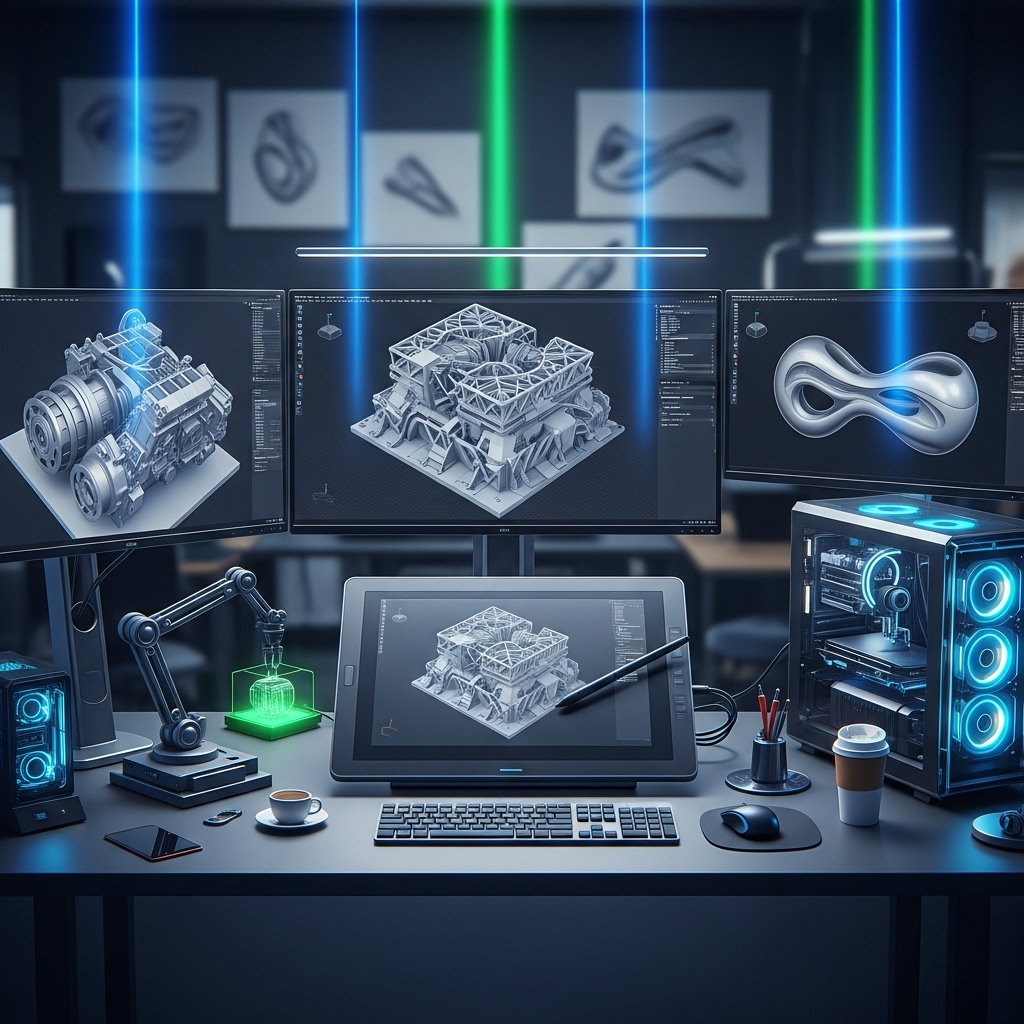
Introduction to Mastering CAD Design
CAD (Computer-Aided Design) design has revolutionized the way architects, engineers, and designers create and visualize their ideas. With the advancement of technology, CAD design has become an essential tool for professionals in various fields, including architecture, engineering, product design, and manufacturing. Mastering CAD design requires a combination of technical skills, creativity, and attention to detail. In this article, we will explore innovative techniques and tools that can help designers take their CAD design skills to the next level.
Understanding the Basics of CAD Design
Before diving into advanced techniques, it's essential to understand the basics of CAD design. CAD software allows users to create 2D and 3D models, add textures and materials, and simulate real-world environments. Popular CAD software includes Autodesk AutoCAD, SolidWorks, and SketchUp. To get started with CAD design, designers need to familiarize themselves with the software's interface, tools, and commands. Online tutorials, courses, and practice exercises can help designers develop a strong foundation in CAD design.
Advanced CAD Design Techniques
Once designers have a solid understanding of the basics, they can explore advanced techniques to enhance their CAD design skills. One technique is parametric design, which allows designers to create models with variable parameters. This technique enables designers to create multiple design iterations quickly and efficiently. Another technique is freeform modeling, which enables designers to create complex shapes and curves. Freeform modeling is particularly useful for designing organic shapes, such as furniture or consumer products.
For example, a designer creating a chair using freeform modeling can create a smooth, curved shape that would be difficult to achieve with traditional CAD design methods. Advanced CAD design techniques also include simulation and analysis tools, which allow designers to test and optimize their designs for performance, sustainability, and cost-effectiveness.
Collaboration and Communication in CAD Design
CAD design is often a collaborative process, involving multiple stakeholders, including architects, engineers, contractors, and clients. Effective collaboration and communication are crucial to ensure that designs are accurate, feasible, and meet the client's requirements. Designers can use CAD software to create and share designs, as well as collaborate with others in real-time. Cloud-based CAD software, such as Autodesk Fusion 360, enables designers to access and share designs from anywhere, at any time.
For instance, a design team working on a building project can use cloud-based CAD software to share designs, track changes, and communicate with each other and the client. This ensures that everyone is on the same page, and the design process is streamlined and efficient. Additionally, designers can use CAD software to create presentations, renderings, and animations to communicate their designs to clients and stakeholders.
CAD Design Tools and Software
The choice of CAD design software depends on the specific needs and goals of the project. Popular CAD software includes Autodesk AutoCAD, SolidWorks, SketchUp, and Fusion 360. Each software has its strengths and weaknesses, and designers should choose the software that best fits their needs. For example, Autodesk AutoCAD is ideal for 2D drafting and detailing, while SolidWorks is better suited for 3D modeling and simulation.
Designers can also use specialized CAD software, such as Autodesk Revit, for building information modeling (BIM) and architectural design. Other tools, such as 3D printing software, can be used to create prototype models and test designs. For instance, a designer creating a product design can use 3D printing software to create a prototype model, test its functionality, and make necessary changes before finalizing the design.
Best Practices for CAD Design
To master CAD design, designers should follow best practices, such as creating a clear and organized design process, using standard templates and libraries, and documenting designs thoroughly. Designers should also stay up-to-date with the latest software updates, features, and technologies. Continuous learning and professional development are essential to stay competitive in the field of CAD design.
For example, a designer can follow a design process that includes research, concept development, design refinement, and testing. By following a structured design process, designers can ensure that their designs are well-thought-out, functional, and meet the client's requirements. Additionally, designers can use CAD software to create a design library, which can be used to store and reuse design elements, such as symbols, blocks, and templates.
Conclusion
Mastering CAD design requires a combination of technical skills, creativity, and attention to detail. By understanding the basics of CAD design, exploring advanced techniques, and using innovative tools and software, designers can take their CAD design skills to the next level. Effective collaboration and communication, as well as following best practices, are essential to ensure that designs are accurate, feasible, and meet the client's requirements. As CAD design continues to evolve, designers must stay up-to-date with the latest technologies, software, and methodologies to remain competitive in the field.
With the right skills, knowledge, and tools, designers can create innovative, functional, and sustainable designs that meet the needs of clients and stakeholders. Whether designing buildings, products, or systems, CAD design plays a critical role in bringing ideas to life. By mastering CAD design, designers can unlock their full potential, push the boundaries of creativity, and create designs that make a positive impact on the world.