
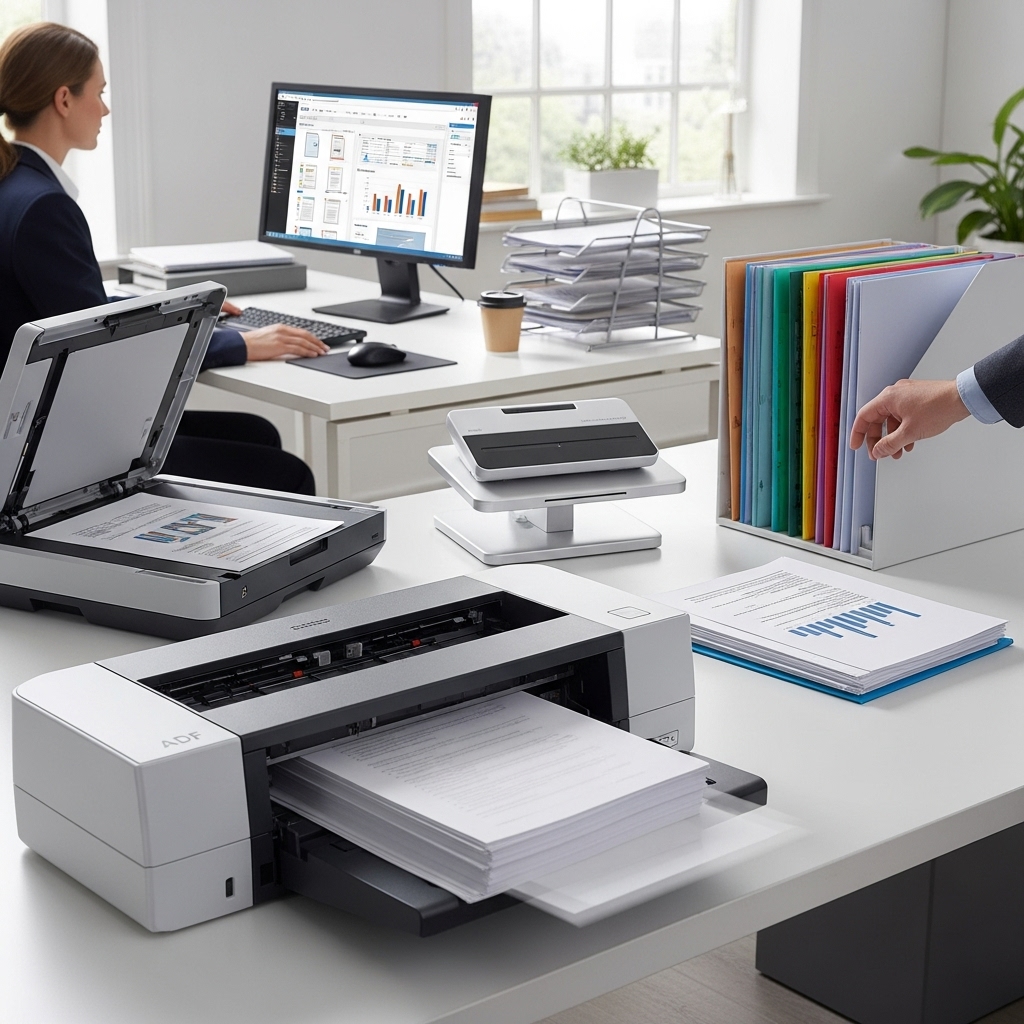
Introduction to Document Loaders
Document loaders are software tools designed to simplify and accelerate the process of loading, managing, and utilizing documents within various applications and systems. In today's fast-paced digital environment, the ability to efficiently handle documents is crucial for productivity and competitiveness. Whether you're an individual looking to organize personal files or a business seeking to streamline document-intensive processes, the right document loader can make a significant difference. This article explores the top document loaders available, their features, and how they can contribute to streamlined productivity.
Understanding Document Loader Types
Before diving into the top document loaders, it's essential to understand the different types available. Document loaders can be categorized based on their functionality, compatibility, and the type of documents they support. For instance, some document loaders are specifically designed for loading PDFs, while others can handle a wide range of file formats, including Word documents, images, and spreadsheets. Additionally, some loaders are integrated into document management systems, offering advanced features such as version control, collaboration tools, and security options.
Features of Top Document Loaders
Top document loaders share certain key features that set them apart from basic file loading tools. These features include high-speed loading capabilities, support for multiple file formats, ease of use, and integration with popular applications and systems. For example, a document loader that can quickly load large PDF files into a web application without requiring manual uploads can significantly enhance user experience and productivity. Moreover, features like automatic document indexing, full-text search, and annotation tools can further streamline document management and utilization.
Examples of Document Loaders in Action
To illustrate the effectiveness of document loaders, consider a legal firm that frequently works with large PDF documents. By using a document loader that supports fast and secure loading of PDFs, the firm can quickly access and share case files, contracts, and other critical documents. This not only saves time but also reduces the risk of data breaches and document loss. Similarly, in an educational setting, a document loader can help teachers and students efficiently manage and access digital textbooks, assignments, and study materials, promoting a more organized and productive learning environment.
Top Document Loaders for Streamlined Productivity
Several document loaders stand out for their exceptional performance, features, and user experience. These include Adobe Acrobat for PDF management, Microsoft SharePoint for integrated document management, and Google Drive for cloud-based file loading and sharing. Each of these tools offers unique benefits, such as advanced editing capabilities, robust security features, and seamless collaboration options. By selecting the right document loader based on specific needs and workflows, individuals and organizations can significantly enhance their productivity and efficiency.
Implementing Document Loaders for Maximum Efficiency
Implementing a document loader is not just about installing software; it's about integrating it into your workflow to maximize efficiency. This involves understanding your document management needs, selecting a loader that meets those needs, and configuring it to work seamlessly with your existing systems and applications. Training users on how to effectively use the document loader is also crucial for realizing its full potential. By taking a strategic approach to document loader implementation, businesses and individuals can ensure a smooth transition to more streamlined and productive document management practices.
Security and Compliance Considerations
When choosing and implementing a document loader, security and compliance are paramount. Documents often contain sensitive information, and their handling must adhere to various regulations and standards, such as GDPR, HIPAA, and PCI-DSS. A good document loader should offer robust security features, including encryption, access controls, and audit trails, to protect documents from unauthorized access, theft, or loss. Additionally, it should be compliant with relevant industry standards, ensuring that document loading and management processes do not introduce legal or reputational risks.
Conclusion: Unlocking Efficiency with Document Loaders
In conclusion, document loaders are powerful tools for unlocking efficiency in document-intensive environments. By understanding the different types of document loaders, their features, and how they can be effectively implemented, individuals and organizations can significantly streamline their productivity. Whether the goal is to enhance document management, improve collaboration, or simply reduce the time spent on loading and accessing files, the right document loader can make a substantial difference. As technology continues to evolve, the role of document loaders in facilitating efficient and secure document handling will only continue to grow, making them an essential component of modern digital workflows.