
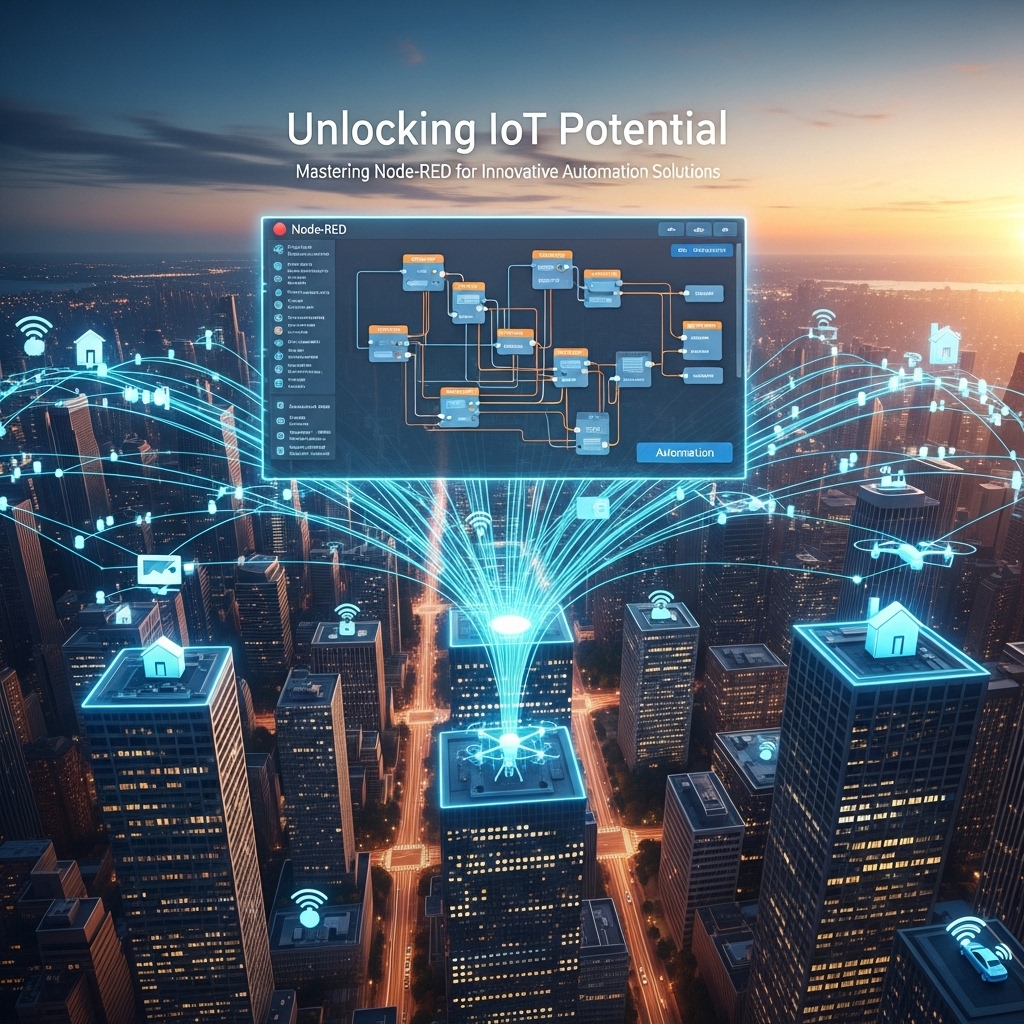
Introduction to Node-Red
Node-Red is a flow-based programming tool that has revolutionized the way we approach Internet of Things (IoT) development. Developed by IBM, Node-Red provides a user-friendly interface for creating innovative automation solutions without requiring extensive coding knowledge. With its drag-and-drop functionality and vast library of nodes, Node-Red has become a popular choice among developers, hobbyists, and industries alike. In this article, we will delve into the world of Node-Red, exploring its potential, features, and applications, and provide a comprehensive guide on how to master this powerful tool.
Getting Started with Node-Red
To begin with, Node-Red is built on top of Node.js, a JavaScript runtime environment. This allows for seamless integration with a wide range of devices, platforms, and services. The Node-Red editor is accessible via a web browser, making it easy to develop and deploy flows from anywhere. The interface is divided into three main sections: the workspace, the palette, and the info panel. The workspace is where you design your flows, the palette contains the available nodes, and the info panel provides detailed information about each node. With a simple and intuitive design, Node-Red makes it easy to get started, even for those without prior programming experience.
For example, a basic Node-Red flow can be created by dragging a "inject" node into the workspace, which acts as a trigger, and connecting it to a "debug" node, which prints the output to the console. This simple flow can be used to test and understand the basic functionality of Node-Red.
Understanding Node-Red Nodes
Nodes are the building blocks of Node-Red, and they are used to perform specific tasks, such as reading sensor data, sending notifications, or controlling devices. There are numerous nodes available, each with its unique functionality and configuration options. Some common node types include input nodes, output nodes, function nodes, and social media nodes. Input nodes, such as the "http in" node, allow you to receive data from external sources, while output nodes, like the "http out" node, enable you to send data to external destinations. Function nodes, on the other hand, provide a way to execute custom JavaScript code, allowing for complex logic and data processing.
For instance, the "twitter in" node can be used to fetch tweets based on specific hashtags, and the "email out" node can be used to send notifications to a specified email address. By combining these nodes, you can create a flow that monitors Twitter for specific keywords and sends an email notification when a match is found.
Creating Complex Flows with Node-Red
As you become more comfortable with Node-Red, you can start creating complex flows that integrate multiple nodes and devices. One of the key features of Node-Red is its ability to handle multiple messaging protocols, such as MQTT, HTTP, and WebSockets. This allows you to connect devices and services from different manufacturers and platforms, creating a unified and automated system. For example, you can create a flow that reads temperature data from a sensor, sends it to a cloud service for analysis, and then triggers a notification when the temperature exceeds a certain threshold.
A more advanced example would be to create a home automation system that integrates with various devices, such as lights, thermostats, and security cameras. By using Node-Red, you can create a flow that turns on the lights when you enter a room, adjusts the thermostat based on the time of day, and sends a notification when motion is detected by the security camera.
Integrating Node-Red with Other Services
Node-Red provides a wide range of nodes for integrating with popular services, such as Amazon Web Services (AWS), Google Cloud, and Microsoft Azure. These nodes enable you to leverage the capabilities of these services, such as machine learning, data analytics, and storage, within your Node-Red flows. For instance, you can use the "AWS IoT" node to connect your devices to the AWS IoT Core, allowing for secure and reliable communication. Similarly, the "Google Cloud Vision" node can be used to analyze images and detect objects, enabling applications such as object recognition and facial detection.
Another example of integrating Node-Red with other services is to use the "IFTTT" (If This Then That) node, which allows you to create custom applets that trigger actions based on specific events. For instance, you can create an applet that turns on your living room lights when you arrive home, using the "location" node to detect your presence.
Security Considerations in Node-Red
As with any IoT development platform, security is a critical aspect of Node-Red. Since Node-Red flows can interact with external devices and services, it is essential to ensure that your flows are secure and protected from unauthorized access. Node-Red provides several security features, such as authentication and authorization, to help protect your flows. Additionally, you can use secure protocols, such as HTTPS and TLS, to encrypt communication between devices and services.
For example, you can use the "basic auth" node to authenticate users and restrict access to certain parts of your flow. You can also use the "tls" node to establish a secure connection between your device and a cloud service, ensuring that data is transmitted securely.
Conclusion
In conclusion, Node-Red is a powerful tool for creating innovative automation solutions, offering a unique combination of ease of use, flexibility, and scalability. By mastering Node-Red, you can unlock the full potential of IoT and create complex, integrated systems that automate and streamline various aspects of your life. With its vast library of nodes, extensive community support, and seamless integration with popular services, Node-Red is an ideal choice for developers, hobbyists, and industries looking to harness the power of IoT. Whether you are a beginner or an experienced developer, Node-Red provides a comprehensive platform for creating innovative automation solutions that can transform the way we live and work.