
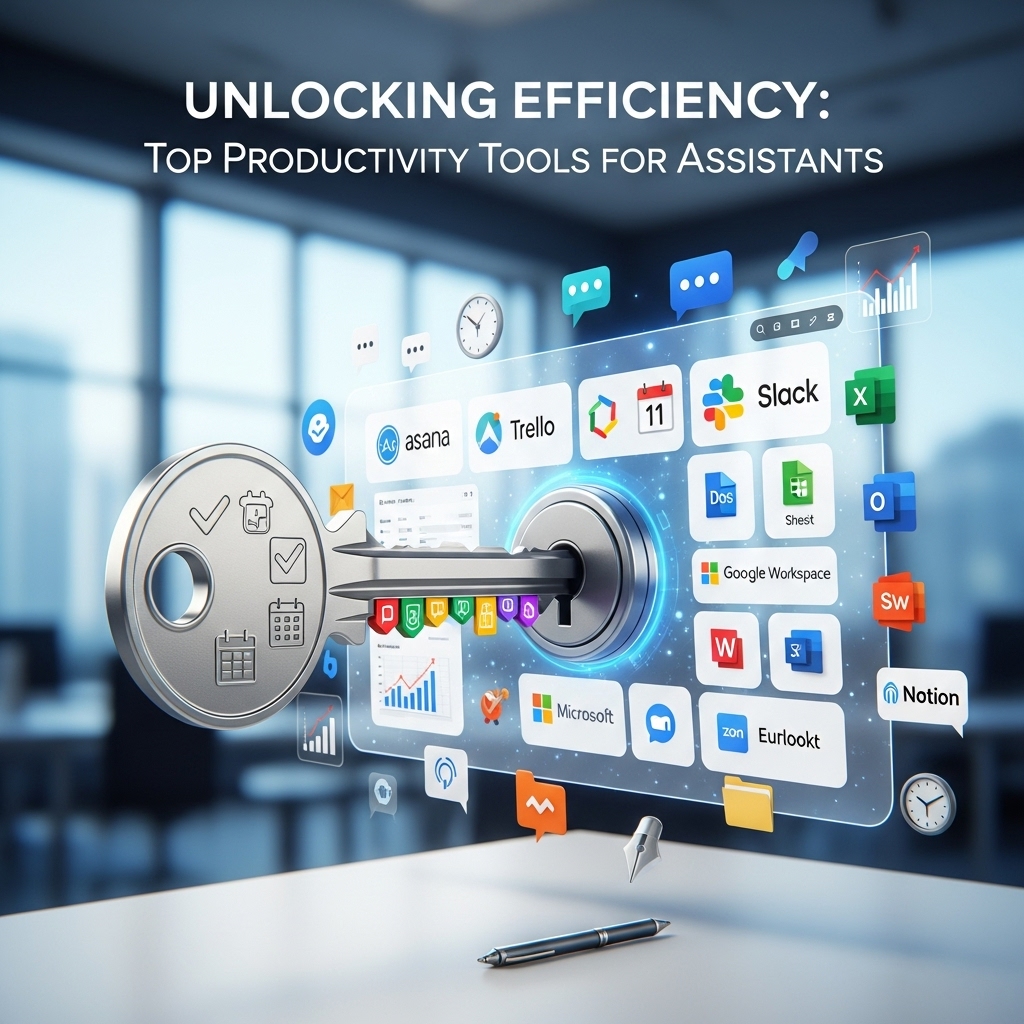
Introduction to Unlocking Efficiency
As an assistant, managing tasks, prioritizing assignments, and maintaining productivity are crucial to delivering high-quality work. In today's fast-paced work environment, having the right tools can make all the difference in unlocking efficiency and achieving success. In this article, we will delve into the top productivity tools for assistants, exploring how they can streamline tasks, enhance organization, and boost overall performance. Whether you're a seasoned professional or just starting out, these tools are designed to help you work smarter, not harder.
Task Management Essentials
Task management is the backbone of any assistant's role. It involves juggling multiple assignments, meeting deadlines, and ensuring that all tasks are completed to a high standard. Tools like Trello, Asana, and Todoist are highly regarded for their ability to simplify task management. For instance, Trello allows users to create boards, lists, and cards to organize tasks visually, making it easy to track progress and collaborate with team members. Asana, on the other hand, offers a more structured approach, enabling assistants to assign tasks, set deadlines, and monitor progress in real-time.
These tools are not only beneficial for personal task management but also facilitate teamwork and communication. By using these platforms, assistants can ensure that all tasks are accounted for, reducing the risk of missed deadlines and overlooked assignments. Moreover, they provide a clear overview of ongoing projects, allowing assistants to prioritize tasks effectively and make informed decisions about their workload.
Communication and Collaboration Tools
Effective communication is vital for any team's success. As an assistant, being able to communicate clearly and efficiently with colleagues, managers, and clients is essential. Tools like Slack, Microsoft Teams, and Google Workspace (formerly G Suite) have revolutionized the way teams communicate and collaborate. Slack, for example, offers real-time messaging, video calls, and file sharing, making it easy to stay connected with team members and respond promptly to queries or requests.
Microsoft Teams and Google Workspace provide comprehensive solutions that integrate communication, collaboration, and productivity tools. They enable assistants to create shared documents, spreadsheets, and presentations, facilitating real-time collaboration and feedback. These tools also offer calendar sharing, enabling assistants to schedule meetings, appointments, and deadlines with ease, and ensuring that everyone is on the same page.
Time Management and Scheduling
Time management is a critical aspect of an assistant's role. With multiple tasks and deadlines to juggle, it's easy to lose track of time. Tools like Calendly, ScheduleOnce, and Doodle help assistants manage their time more efficiently. Calendly, for instance, allows users to share their availability with others, making it easy to schedule meetings and appointments without the back-and-forth of emails or phone calls.
ScheduleOnce and Doodle offer similar functionalities, enabling assistants to schedule events, meetings, and appointments with ease. These tools integrate with calendar applications, ensuring that all scheduled events are up-to-date and reflect the assistant's current availability. By using these tools, assistants can optimize their schedules, minimize downtime, and allocate their time more productively.
Organization and Note-Taking Tools
Staying organized is essential for any assistant. With so much information to process and retain, it's easy to get overwhelmed. Tools like Evernote, OneNote, and Simplenote help assistants stay organized and focused. Evernote, for example, allows users to create notes, lists, and notebooks, making it easy to categorize and retrieve information as needed.
OneNote and Simplenote offer similar functionalities, enabling assistants to take notes, create to-do lists, and organize their thoughts and ideas. These tools also offer tagging and searching capabilities, making it easy to find specific information quickly. By using these tools, assistants can maintain a high level of organization, reduce clutter, and ensure that all information is readily available when needed.
Automation and Productivity Tools
Automation is a game-changer for assistants. By automating repetitive tasks and workflows, assistants can free up time to focus on more strategic and high-value tasks. Tools like Zapier, IFTTT, and Automator help assistants automate tasks, workflows, and processes. Zapier, for instance, allows users to create zaps, which are automated workflows that connect different apps and services.
IFTTT and Automator offer similar functionalities, enabling assistants to automate tasks, such as data entry, email management, and social media posting. These tools also offer pre-built templates and recipes, making it easy to get started with automation. By using these tools, assistants can streamline their workflows, reduce manual errors, and increase productivity.
Conclusion
In conclusion, the right productivity tools can make all the difference in unlocking efficiency and achieving success as an assistant. By leveraging task management, communication, time management, organization, and automation tools, assistants can streamline their workflows, enhance productivity, and deliver high-quality work. Whether you're a seasoned professional or just starting out, these tools are designed to help you work smarter, not harder.
By embracing these tools and technologies, assistants can stay ahead of the curve, adapt to changing work environments, and thrive in today's fast-paced work world. Remember, the key to unlocking efficiency is to find the right tools that work for you and your unique needs. Experiment with different tools, find what works best, and watch your productivity soar.