
Introduction to AWS Organizations
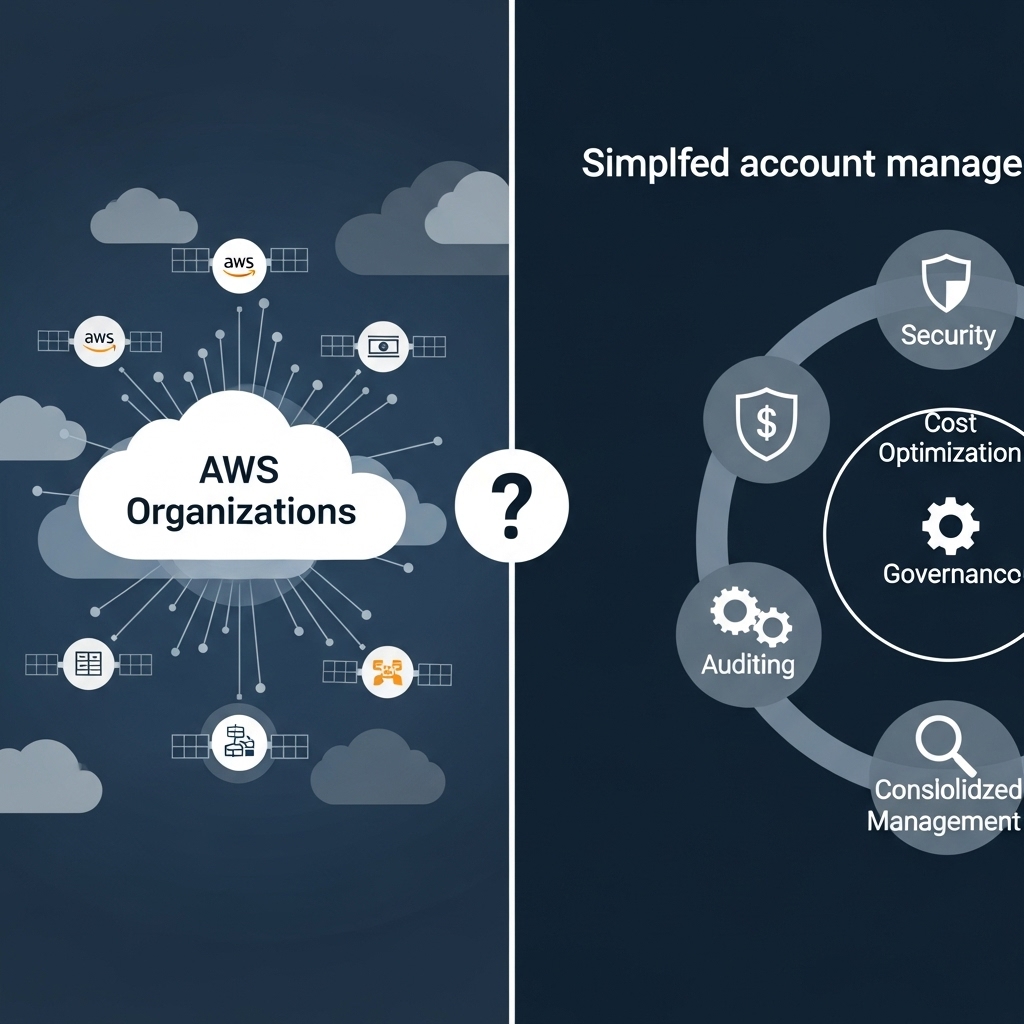
AWS Organizations is a service offered by Amazon Web Services (AWS) that enables customers to manage multiple AWS accounts from a single dashboard. It provides a hierarchical structure for organizing and managing AWS accounts, making it easier to scale and govern a large number of accounts. With AWS Organizations, customers can create a root account and then add or create member accounts, which can be organized into organizational units (OUs). This allows for centralized management and control over all AWS accounts, simplifying tasks such as billing, security, and compliance.
Benefits of Using AWS Organizations
One of the primary benefits of using AWS Organizations is the ability to consolidate billing and cost management. With a single bill for all AWS accounts, customers can easily track and manage their AWS spend. Additionally, AWS Organizations provides features such as cost allocation tags, which enable customers to assign costs to specific departments or projects. This makes it easier to track and manage costs, and to allocate resources more effectively. Another benefit of AWS Organizations is the ability to apply security policies and compliance frameworks across all accounts, ensuring that all accounts are meeting the required security and compliance standards.
Key Features of AWS Organizations
AWS Organizations provides a number of key features that make it easier to manage multiple AWS accounts. These include the ability to create and manage organizational units (OUs), which can be used to group related accounts together. Customers can also create and apply service control policies (SCPs), which define the services and actions that are allowed or denied for each account. Additionally, AWS Organizations provides a feature called AWS CloudTrail, which provides a record of all API calls made within an account, making it easier to track and monitor activity. Another key feature is the ability to create and manage AWS accounts programmatically, using the AWS Organizations API or AWS CloudFormation.
Organizational Units (OUs) and Service Control Policies (SCPs)
Organizational units (OUs) are a key feature of AWS Organizations, allowing customers to group related accounts together. OUs can be used to organize accounts by department, project, or any other logical grouping. Service control policies (SCPs) can then be applied to each OU, defining the services and actions that are allowed or denied for each account. For example, a customer might create an OU for their development team, and apply an SCP that allows access to AWS services such as Amazon S3 and Amazon EC2, but denies access to sensitive services such as AWS IAM. This makes it easier to manage access and ensure that accounts are meeting the required security and compliance standards.
Best Practices for Implementing AWS Organizations
When implementing AWS Organizations, there are a number of best practices to keep in mind. First, it's essential to plan carefully and define a clear organizational structure, including the creation of OUs and the application of SCPs. Customers should also ensure that they have a clear understanding of their security and compliance requirements, and apply these consistently across all accounts. Additionally, customers should use AWS CloudTrail to monitor and track activity across all accounts, and use AWS CloudWatch to monitor and troubleshoot issues. Finally, customers should regularly review and update their organizational structure and SCPs to ensure that they remain aligned with changing business needs.
Real-World Examples of AWS Organizations in Action
AWS Organizations is being used by a wide range of customers, from small startups to large enterprises. For example, a large financial services company might use AWS Organizations to manage multiple AWS accounts for different departments, such as retail banking and investment banking. The company could create OUs for each department, and apply SCPs to ensure that each department only has access to the AWS services and resources they need. Another example might be a software company that uses AWS Organizations to manage multiple AWS accounts for different projects, such as development, testing, and production. The company could create OUs for each project, and apply SCPs to ensure that each project only has access to the AWS services and resources they need.
Conclusion
In conclusion, AWS Organizations is a powerful service that simplifies account management for customers with multiple AWS accounts. By providing a hierarchical structure for organizing and managing AWS accounts, AWS Organizations makes it easier to scale and govern a large number of accounts. With features such as consolidated billing, security policies, and compliance frameworks, AWS Organizations provides a comprehensive solution for managing multiple AWS accounts. By following best practices and using AWS Organizations effectively, customers can simplify their account management, reduce costs, and improve security and compliance. Whether you're a small startup or a large enterprise, AWS Organizations is an essential tool for anyone using multiple AWS accounts.