
Introduction to Mockup Tools
As a UI/UX designer, creating mockups is an essential part of the design process. Mockups allow designers to visualize and test their ideas, identify potential problems, and make necessary changes before moving on to the development phase. With so many mockup tools available, it can be overwhelming to choose the right one. In this article, we'll explore the best mockup tools for UI/UX designers, their features, and how they can help streamline the design process.
What are Mockup Tools?
Mockup tools are software applications that enable designers to create digital prototypes of their designs. These tools provide a range of features, such as drag-and-drop interfaces, pre-built templates, and collaboration options, to help designers create and test their designs quickly and efficiently. Mockup tools can be used for a variety of design projects, including website design, mobile app design, and software design.
Popular Mockup Tools for UI/UX Designers
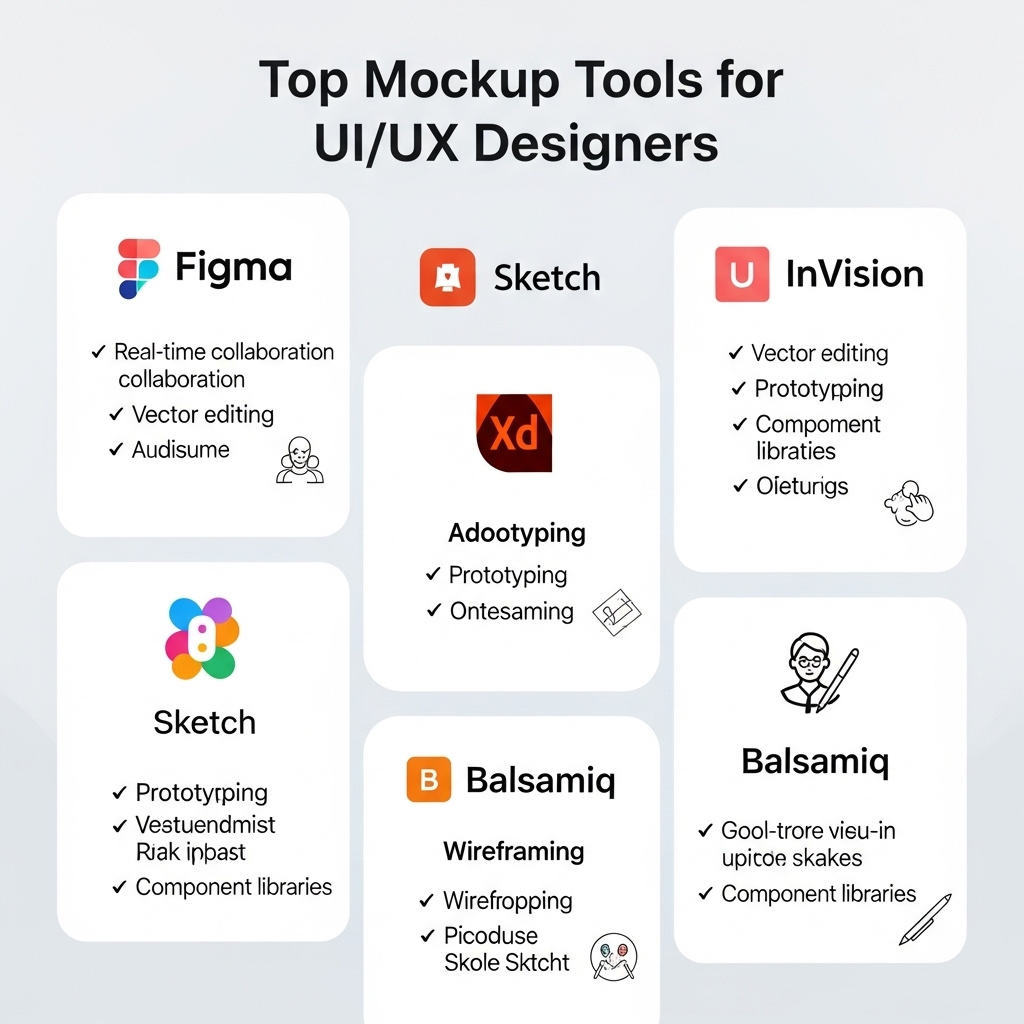
There are many mockup tools available, each with its own unique features and benefits. Some of the most popular mockup tools for UI/UX designers include Sketch, Figma, Adobe XD, InVision, and Balsamiq. Sketch is a popular choice among designers, known for its user-friendly interface and extensive library of plugins. Figma, on the other hand, is a cloud-based tool that allows for real-time collaboration and feedback. Adobe XD is a powerful tool that integrates seamlessly with other Adobe Creative Cloud applications.
Features to Look for in a Mockup Tool
When choosing a mockup tool, there are several features to consider. One of the most important features is ease of use. A good mockup tool should have an intuitive interface that makes it easy to create and edit designs. Other key features include collaboration options, such as real-time feedback and commenting, as well as integration with other design tools. Additionally, a good mockup tool should have a wide range of pre-built templates and design elements to help speed up the design process. For example, InVision's design system manager allows designers to create and manage their own design systems, making it easy to maintain consistency across multiple projects.
Benefits of Using Mockup Tools
The benefits of using mockup tools are numerous. One of the biggest advantages is the ability to test and refine designs quickly and efficiently. Mockup tools allow designers to create and test multiple iterations of a design, without having to write a single line of code. This saves time and resources, and helps to ensure that the final product meets the user's needs. Additionally, mockup tools facilitate collaboration and communication among team members, stakeholders, and clients. For instance, Figma's real-time collaboration feature allows multiple designers to work on a project simultaneously, making it easy to track changes and provide feedback.
Best Practices for Using Mockup Tools
To get the most out of mockup tools, there are several best practices to keep in mind. First, it's essential to define the project's goals and objectives before starting to design. This helps to ensure that the design stays focused and on track. Additionally, designers should keep their designs simple and intuitive, avoiding unnecessary complexity. It's also important to test and iterate designs regularly, using feedback from users and stakeholders to inform the design process. For example, using InVision's user testing feature, designers can conduct remote user tests and gather feedback to validate their design decisions.
Conclusion
In conclusion, mockup tools are an essential part of the UI/UX design process. By choosing the right tool and following best practices, designers can create effective and user-friendly designs that meet the needs of their users. Whether you're a seasoned designer or just starting out, there's a mockup tool out there to suit your needs. By leveraging the features and benefits of mockup tools, designers can streamline their workflow, improve collaboration, and create better designs. With the numerous options available, it's essential to experiment with different tools to find the one that works best for you and your team.