
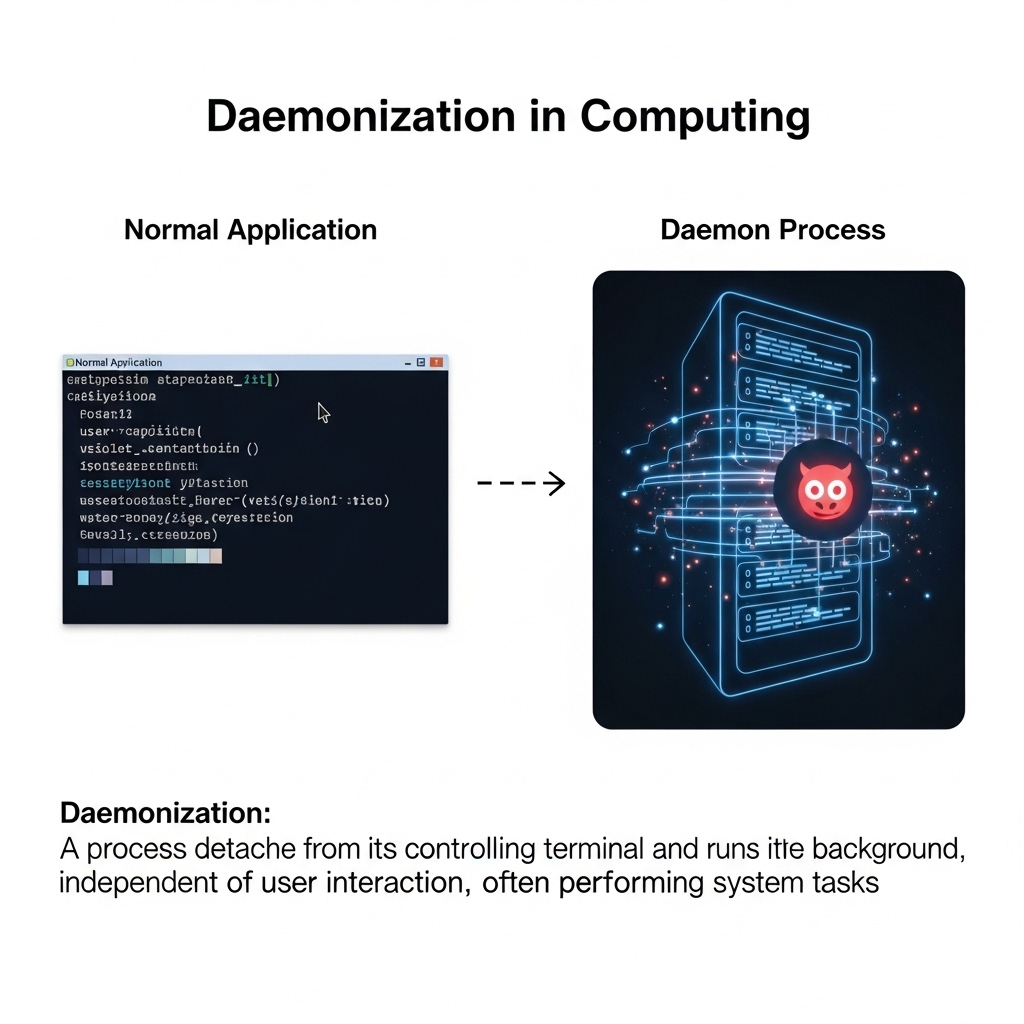
Introduction to Daemonization
Daemonization is a fundamental concept in computing that refers to the process of running a program or a process in the background, detached from the terminal or the user interface. This technique is widely used in Unix-like operating systems, including Linux and macOS, to manage services, system processes, and background tasks. In this article, we will delve into the world of daemonization, exploring its definition, benefits, and how it works, along with examples and use cases.
What is a Daemon?
A daemon is a type of program that runs in the background, performing specific tasks or providing services to other programs or users. Daemons are usually started at system boot time and run continuously until the system is shut down. They are often used to manage system resources, provide network services, or perform maintenance tasks, such as logging, scheduling, or monitoring. Daemons are typically designed to run without user interaction, and their output is usually redirected to log files or other destinations.
Examples of common daemons include web servers like Apache or Nginx, database servers like MySQL or PostgreSQL, and system services like cron or sshd. These daemons run in the background, listening for incoming requests or performing tasks according to their configuration and scheduling.
How Does Daemonization Work?
Daemonization involves a series of steps that allow a program to detach from the terminal and run in the background. The process typically starts with the program forking a new process, which creates a copy of the parent process. The child process then closes its file descriptors, including the standard input, output, and error streams, to prevent it from interacting with the terminal.
The child process then calls the setsid() system call to create a new session and set itself as the session leader. This step is crucial, as it allows the daemon to detach from the terminal and run independently. The daemon then changes its working directory to a safe location, such as the root directory, to prevent it from being affected by changes to the file system.
Finally, the daemon redirects its output to a log file or other destination, and it begins executing its main loop, where it performs its designated tasks or provides services to other programs or users.
Benefits of Daemonization
Daemonization offers several benefits, including improved system stability, security, and performance. By running in the background, daemons can continue to operate even if the user logs out or the terminal is closed. This ensures that critical services remain available, and system resources are utilized efficiently.
Daemonization also provides a level of isolation between the daemon and the user interface, which enhances system security. Daemons typically run with reduced privileges, which prevents them from accessing sensitive system resources or data. Additionally, daemons can be configured to run with specific user IDs or group IDs, which further restricts their access to system resources.
Another benefit of daemonization is that it allows for more efficient use of system resources. Daemons can be designed to run at specific intervals or in response to specific events, which reduces the overhead of starting and stopping programs. This approach also enables daemons to take advantage of idle system resources, such as CPU cycles or memory, to perform background tasks.
Examples of Daemonization
There are numerous examples of daemonization in computing, ranging from simple system services to complex network applications. One common example is the cron daemon, which runs in the background and executes scheduled tasks at specified intervals. Another example is the sshd daemon, which listens for incoming SSH connections and manages secure remote access to the system.
Web servers like Apache or Nginx are also examples of daemons, as they run in the background and listen for incoming HTTP requests. These daemons can be configured to run with specific user IDs or group IDs, and they often utilize daemonization techniques to improve system stability and security.
In addition to these examples, many modern applications, such as databases, message queues, or caching systems, use daemonization to provide services to other programs or users. These daemons often run in the background, listening for incoming requests or performing tasks according to their configuration and scheduling.
Best Practices for Daemonization
When implementing daemonization, it is essential to follow best practices to ensure system stability, security, and performance. One key practice is to use a consistent naming convention for daemons, such as appending "d" to the program name. This convention helps to identify daemons and distinguish them from other programs.
Another best practice is to use a daemon-specific configuration file or directory, such as /etc/init.d or /etc/rc.d. This approach helps to organize daemon configuration files and scripts, making it easier to manage and maintain daemons.
It is also crucial to implement proper logging and monitoring for daemons, as this helps to detect issues or errors. Daemons should be configured to log their output to a designated log file or destination, and system administrators should regularly monitor these logs to ensure that daemons are operating correctly.
Conclusion
In conclusion, daemonization is a powerful technique in computing that enables programs to run in the background, detached from the terminal or user interface. By understanding how daemonization works and following best practices, system administrators and developers can create efficient, stable, and secure daemons that provide critical services to other programs or users.
Daemonization offers numerous benefits, including improved system stability, security, and performance. It allows for more efficient use of system resources, provides a level of isolation between the daemon and the user interface, and enables daemons to run with reduced privileges.
As computing continues to evolve, daemonization will remain a fundamental concept, and its applications will continue to expand. By mastering daemonization, system administrators and developers can create robust, scalable, and secure systems that meet the demands of modern computing.